How to Choose DDR5 RAM in 2026: CL, MHz, EXPO, Compatibility Guide
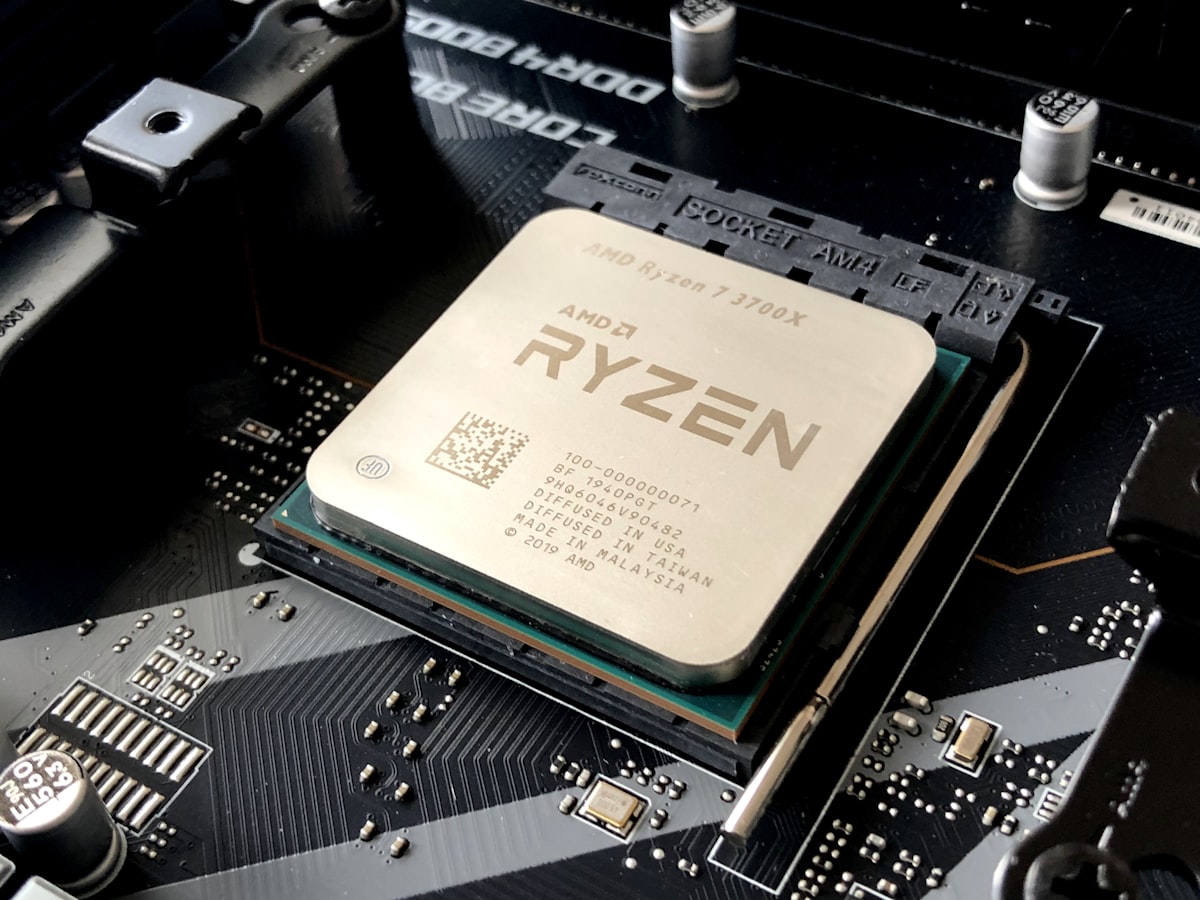
Since late 2025, the memory market has been tight: shortages, strong price increases, unstable stocks. Many DDR5 kits are sold with highly variable specifications: frequency, latency (CL), voltage, XMP/EXPO profiles, etc. Bad RAM or poorly configured RAM can limit performance, or even cause instabilities, crashes, or incompatibilities. Choosing your RAM properly means guaranteeing stable performance and proper PC longevity.
Technical Characteristics You Need to Know
Here are the essential terms to understand: Capacity (GB) - Amount of memory (ex: 16 GB, 32 GB, 64 GB). More RAM = better multitasking management, AI, editing, heavy games. Frequency (MHz) - RAM speed (ex: 4800, 5200, 6000, 6400, 7200 MHz). Faster RAM = better response times, FPS gain, responsiveness. CAS Latency (CL) - Delay between command and memory access (ex: CL 36, CL 32). Low latency = faster access, useful in gaming and AI. XMP/EXPO/DOCP Profile - Allows automatic activation of correct memory settings. Without it, RAM runs at default settings (often 4800 MHz, 1.2-1.25 V) and you lose performance. Number of modules and dual/quad-channel - 2×16 GB, 4×8 GB. Dual-channel (or more) = bandwidth and great memory efficiency. Voltage and cooling - 1.25 V, 1.35 V etc., heatsinks, airflow. Important for stability and durability, especially if you overclock or use intensively.
What to Aim for Based on Your Usage
Here are recommendations by usage: Office/surfing/streaming/office work - 16 GB, 4800–5200 MHz, CL ~40. Sufficient, not very sensitive to fast RAM. Gaming 1080p–1440p - 16–32 GB, 5200–6000 MHz, CL 32–36. Good perf/price balance, compatible with modern CPUs. Gaming 4K/VR/AAA/streaming - 32 GB, 5800–6400 MHz, CL 30–34. To avoid memory bottleneck, fluidity required. Video editing/3D rendering/creation/AI - 32–64 GB, 6000–7200 MHz, CL 30–34. Fast RAM + large capacity = real time savings. Local server/VM/compilation/heavy multitasking - 64 GB+, 5600–6000 MHz, CL 32–36. Priority to capacity, sufficient performance.
How to Verify Compatibility Before Purchase
Essential steps to avoid incompatibilities: Check the motherboard - Consult the QVL (Qualified Vendor List) which indicates officially tested modules. If your kit isn't there, search on forums/reviews. Check the CPU/IMC - Some CPUs limit memory frequency. Consult the CPU documentation. Dual-channel/quad-channel - Favor 2× or 4× kits rather than a single module to take advantage of bandwidth. Activate XMP/EXPO from first boot - Otherwise your RAM runs in safe mode with reduced performance. Test the RAM - After installation, run a tool like MemTest86 to verify stability (especially if used RAM).
Traps to Avoid During Shortage (2026)
Beware of the following traps: Very slow DDR5 kits sold just for compatibility - Avoid frequencies < 4800 MHz or very high latency. Mandatory motherboard + RAM bundles - Often sold at high prices with limited PCIe/slots, check compatibility carefully. Counterfeits/fake kits/rebadged kits - Especially on the used market. Always ask for real photos + test. Sellers who increase prices abusively - Compare with several shops before buying. Practical tips for 2026: Favor 2× kits (vs 1×) to take advantage of dual-channel. If possible, aim for 32 GB (2×16 GB) right now, 16 GB quickly becomes limiting. Don't necessarily aim for maximum frequency, balance latency/frequency/capacity/budget. Check kits in stock regularly (alerts, trackers), availability fluctuates quickly since late 2025. If you buy used, test the RAM before intensive use.
Final Checklist and Conclusion
DDR5 RAM purchase checklist before clicking - Capacity adapted to usage (16/32/64 GB). Dual/Quad-channel (2x/4x modules). Frequency 5200 MHz or higher (6000+ for gaming/AI/rendering). Reasonable CAS latency (CL 36 or less, ideal 34 or less). XMP/EXPO profile available and activatable. Verified brand and references (avoid unknowns). Motherboard + RAM bundle Check BIOS/IMC compatibility. If used real photos, MemTest tests, warranty/history. Conclusion - In 2026, with a RAM shortage triggered in late 2025, choosing your DDR5 RAM correctly is more crucial than ever. This guide gives you all the keys to buy intelligently, avoid scams, get a stable and durable config, even in crisis. Reminder - Capacity, compatibility and stability over pure maximum speed. If you follow the checklist, you maximize chances of having reliable, performant, and durable RAM, even in a chaotic market.
Get alerts on the best hardware prices
Core N Tracker monitors availability and prices in real-time for GPUs, RAM, SSDs, and other components across all retailers. Get instant email notifications when a component is in stock or when prices drop. Save time and money effortlessly.
Create my free alert →